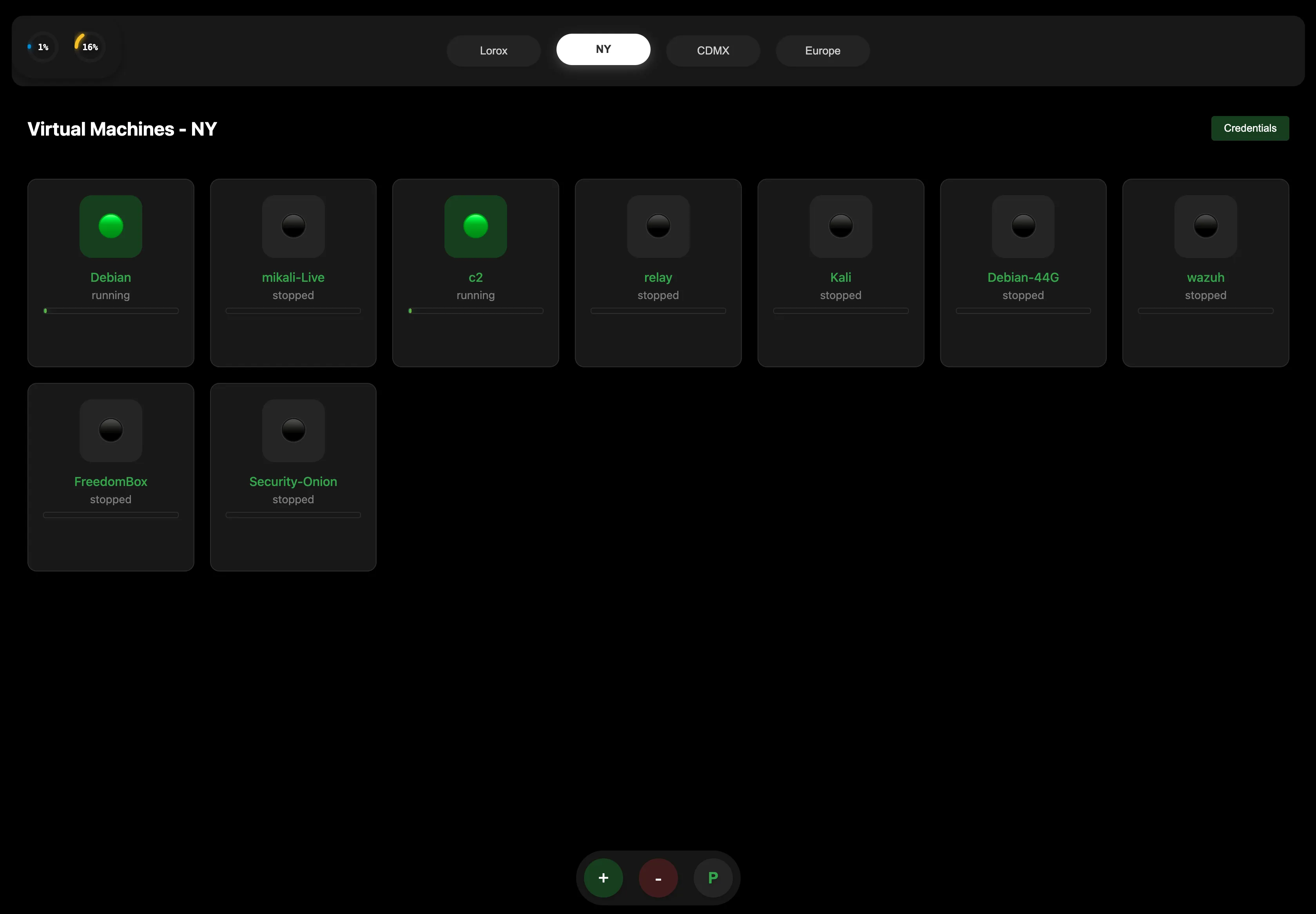
Built to make your infrastructure management simple, fast, and reliable.
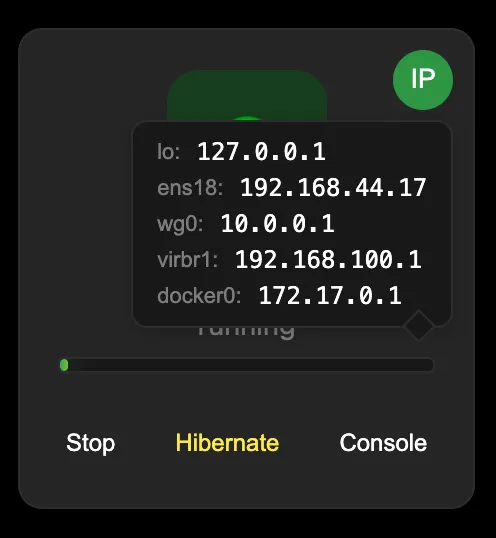
Start, Stop, Hibernate or access the console directly from the machine icon. See IP information right here.
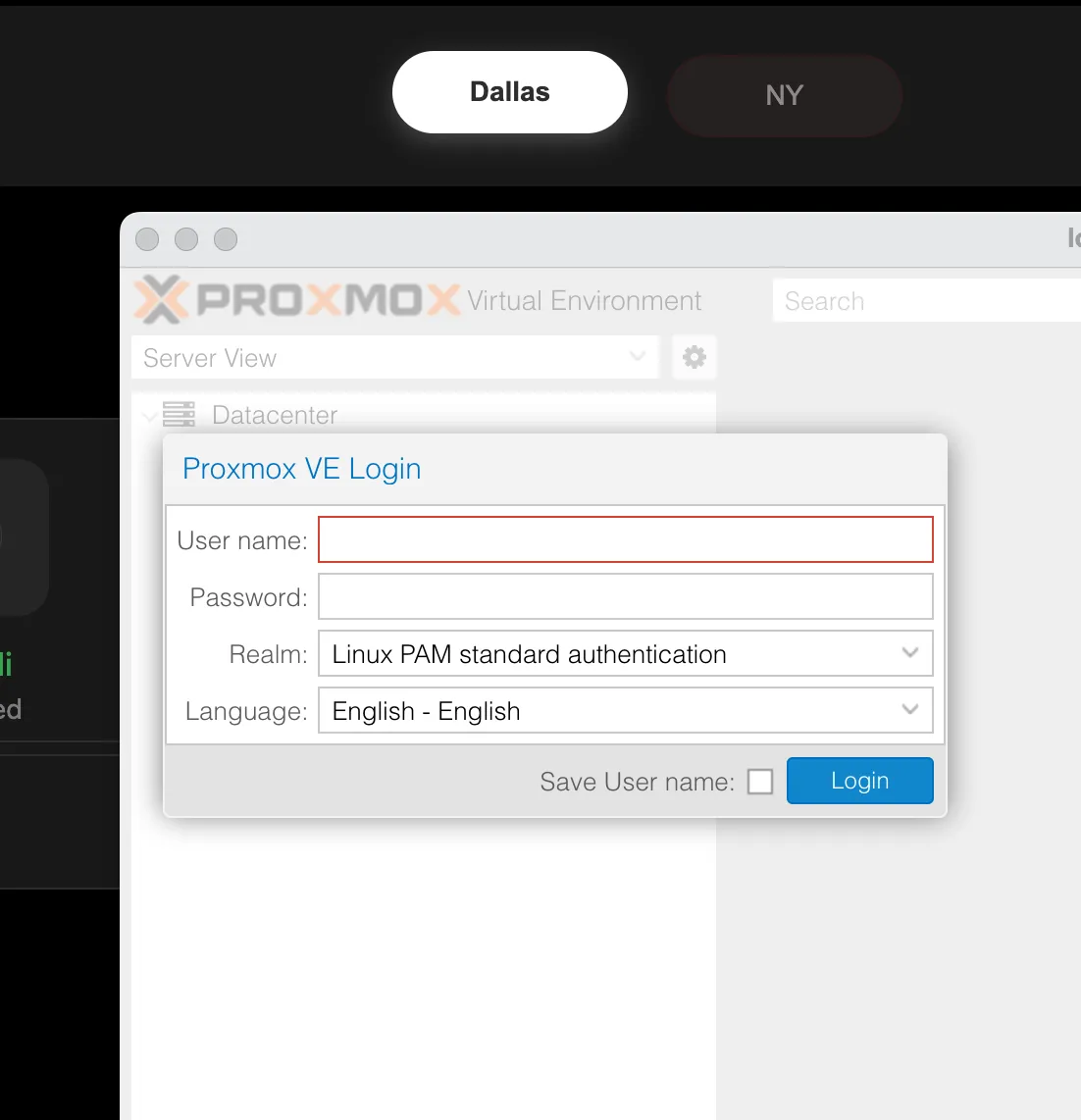
Open the built-in Proxmox control panel for this node with one click.
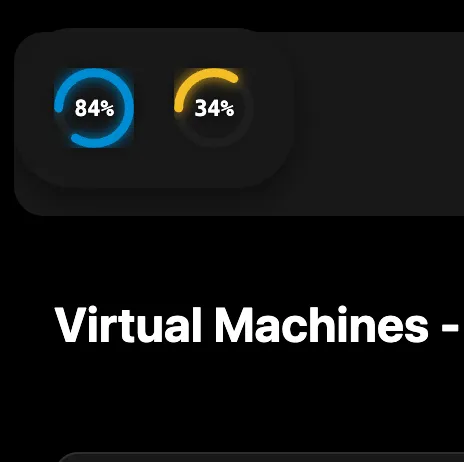
Monitor CPU and Memory usage with detailed resource specifications when you click on it.
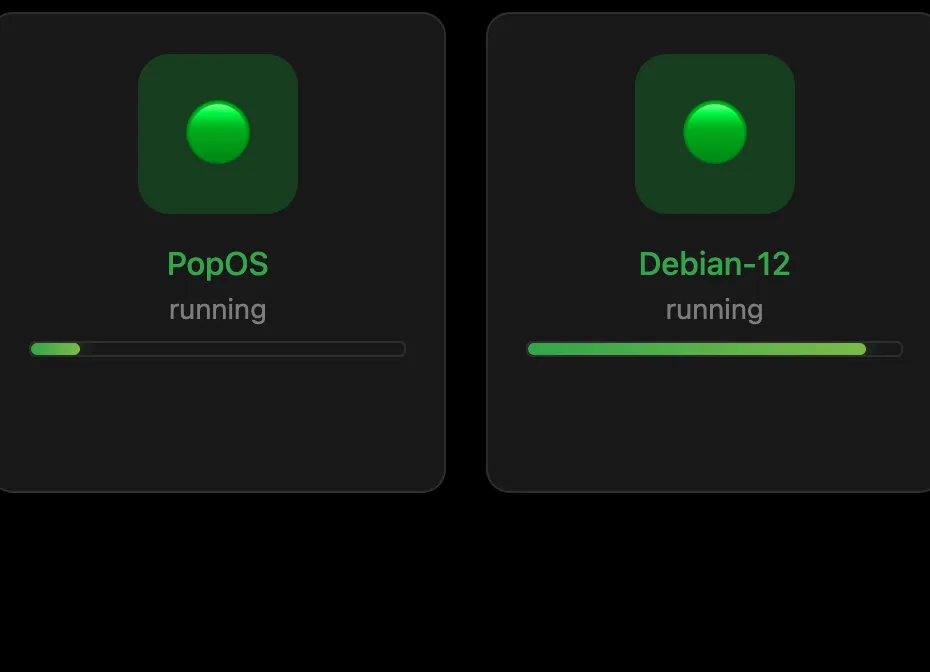
See which VMs are active at a glance with the live CPU bar.
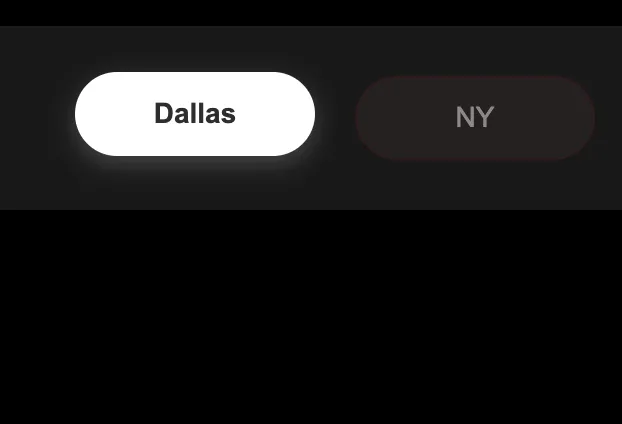
Add up to 10 servers. Status at a glance — red dot = Offline.
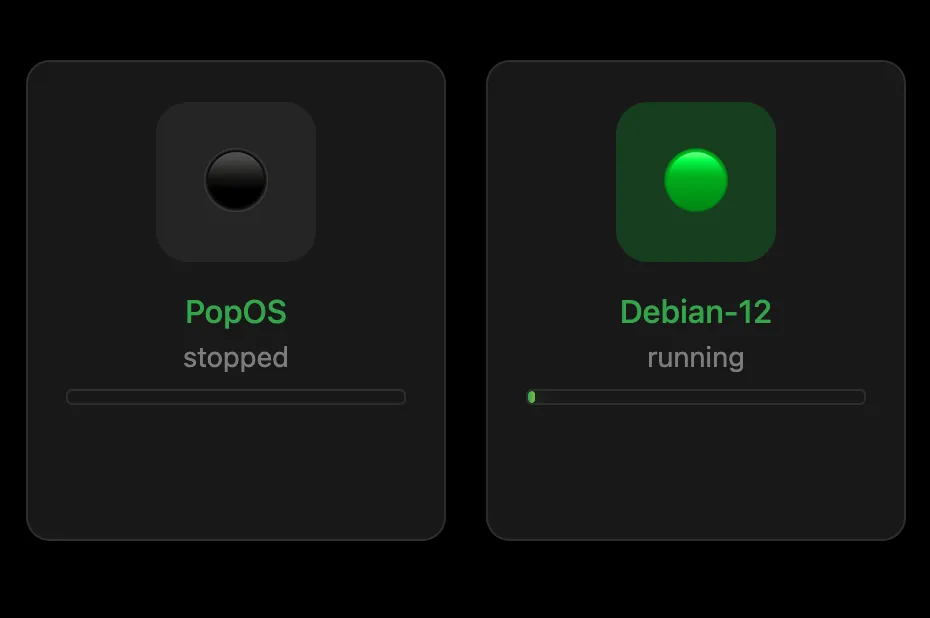
Green = Running. Gray = Stopped.